Every Canvas deadline, in the order you should do it.
CoursePro reads your courses and puts your assignments, grades and announcements on one calm page. Free for 14 days.
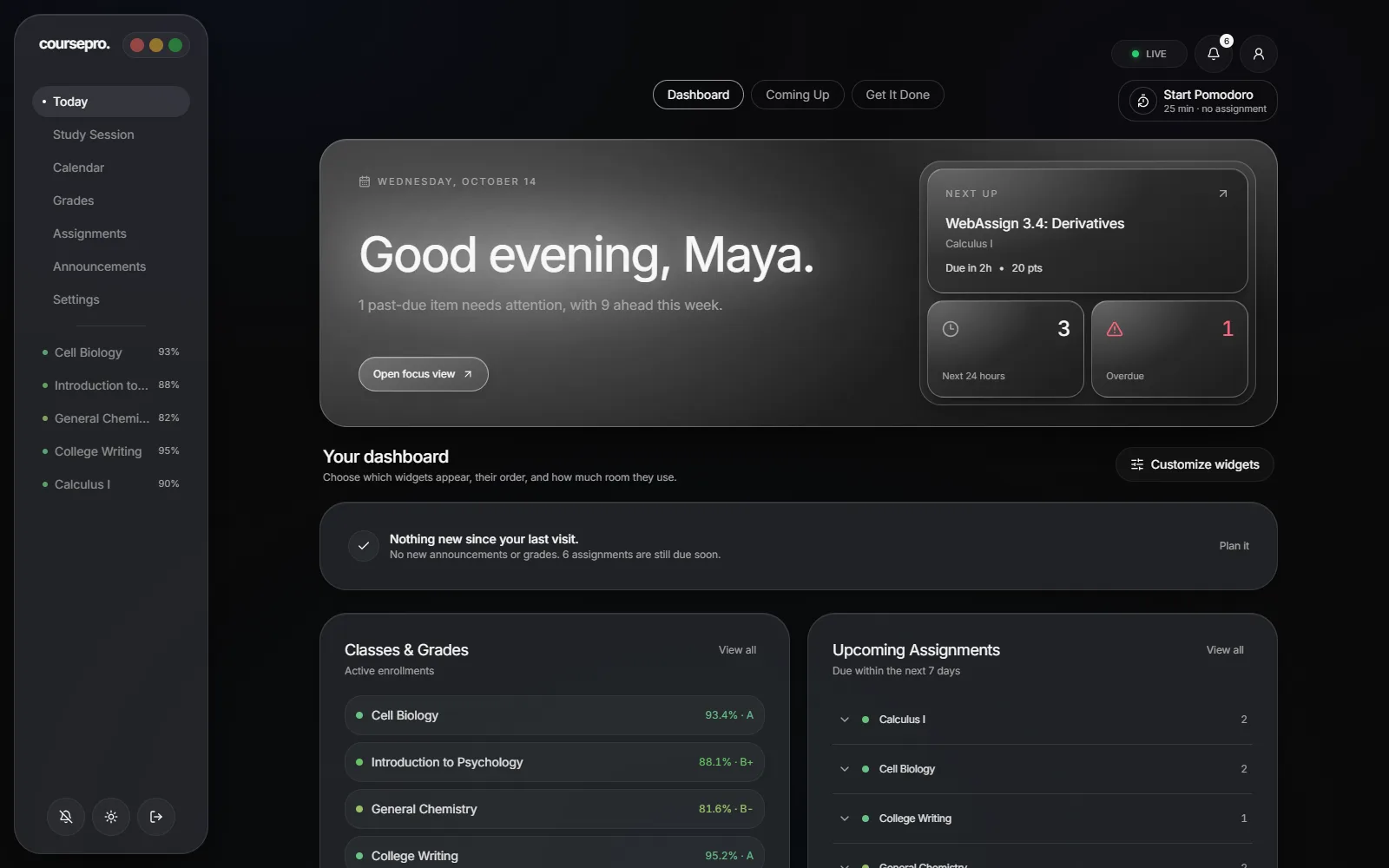
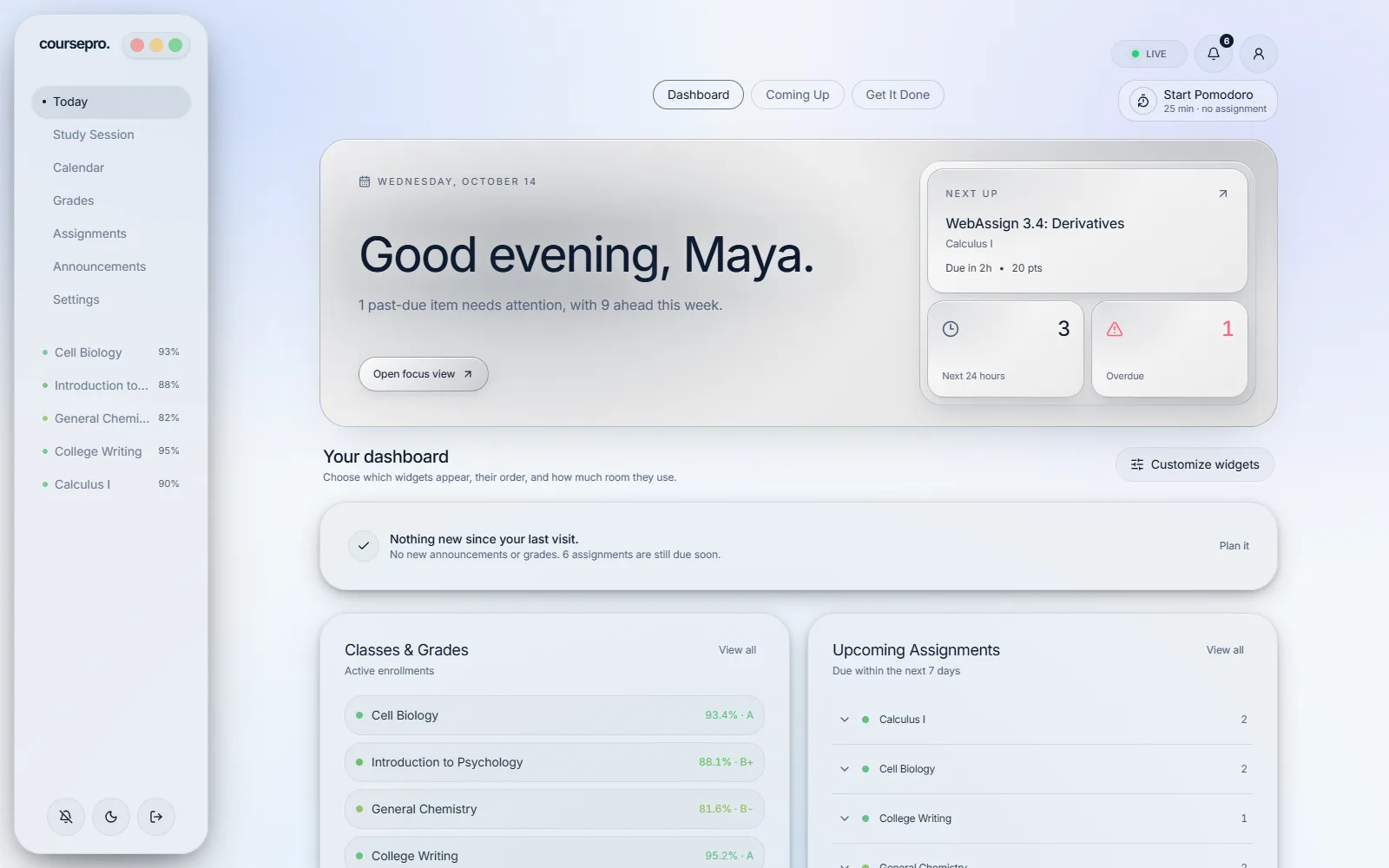
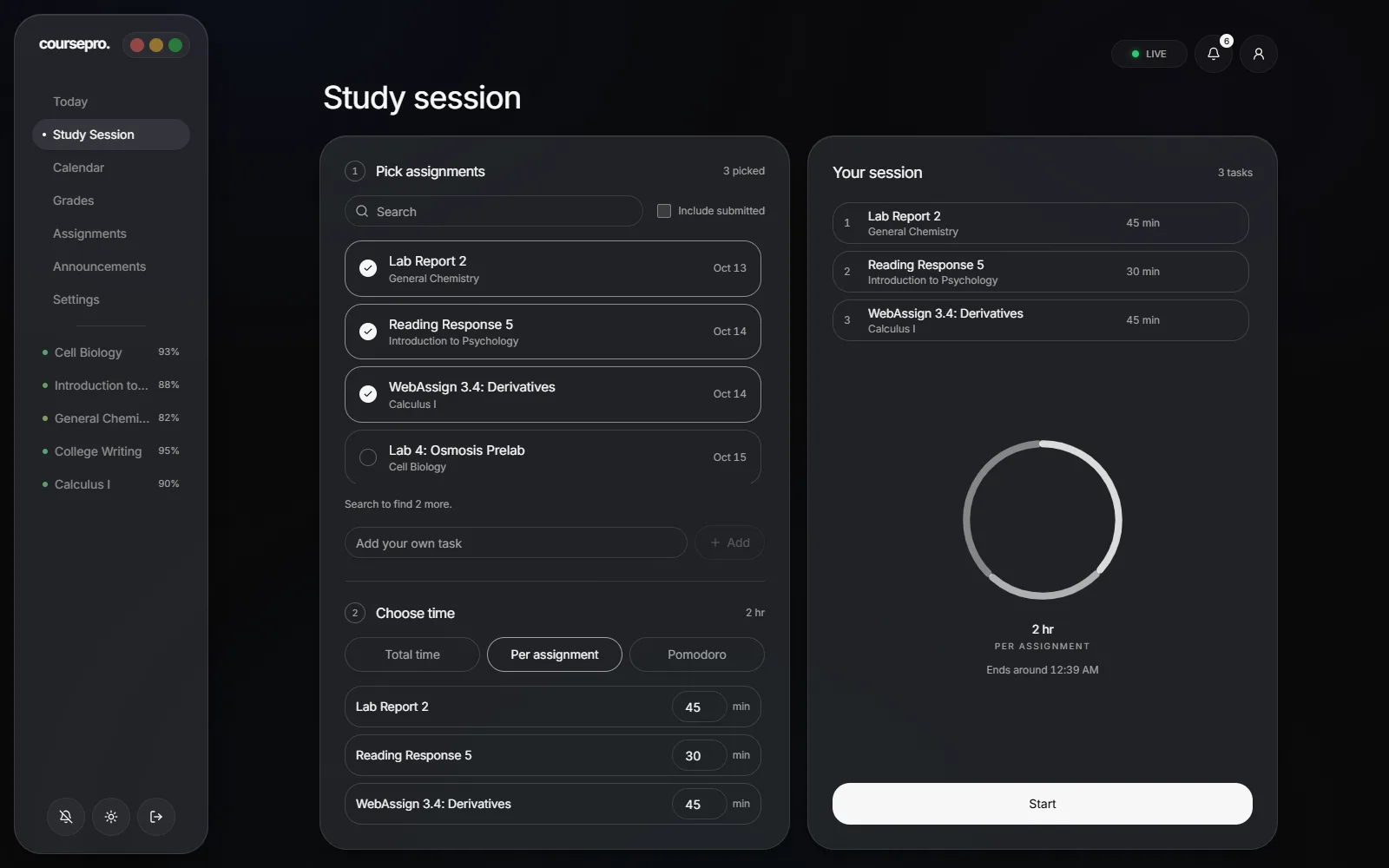
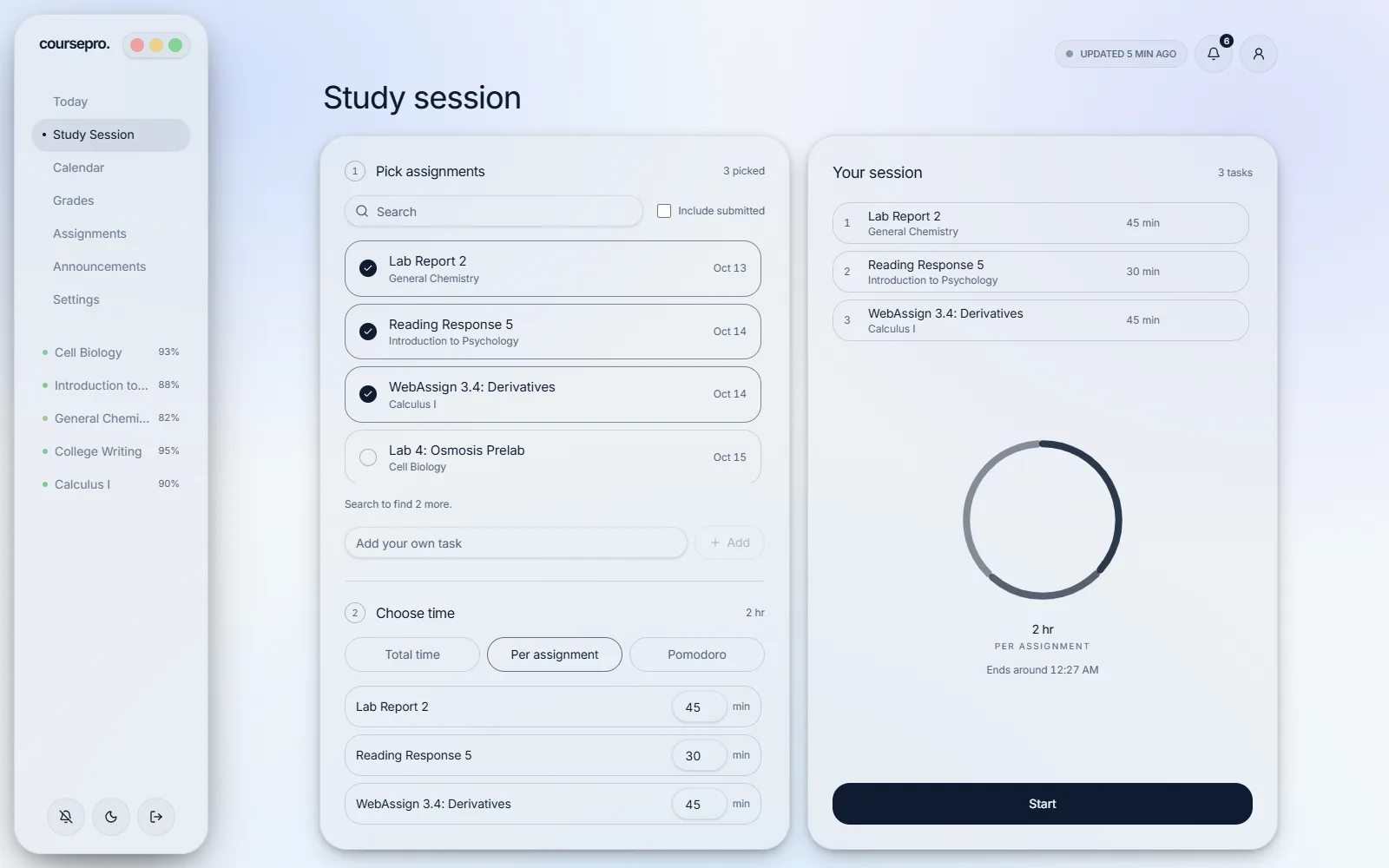
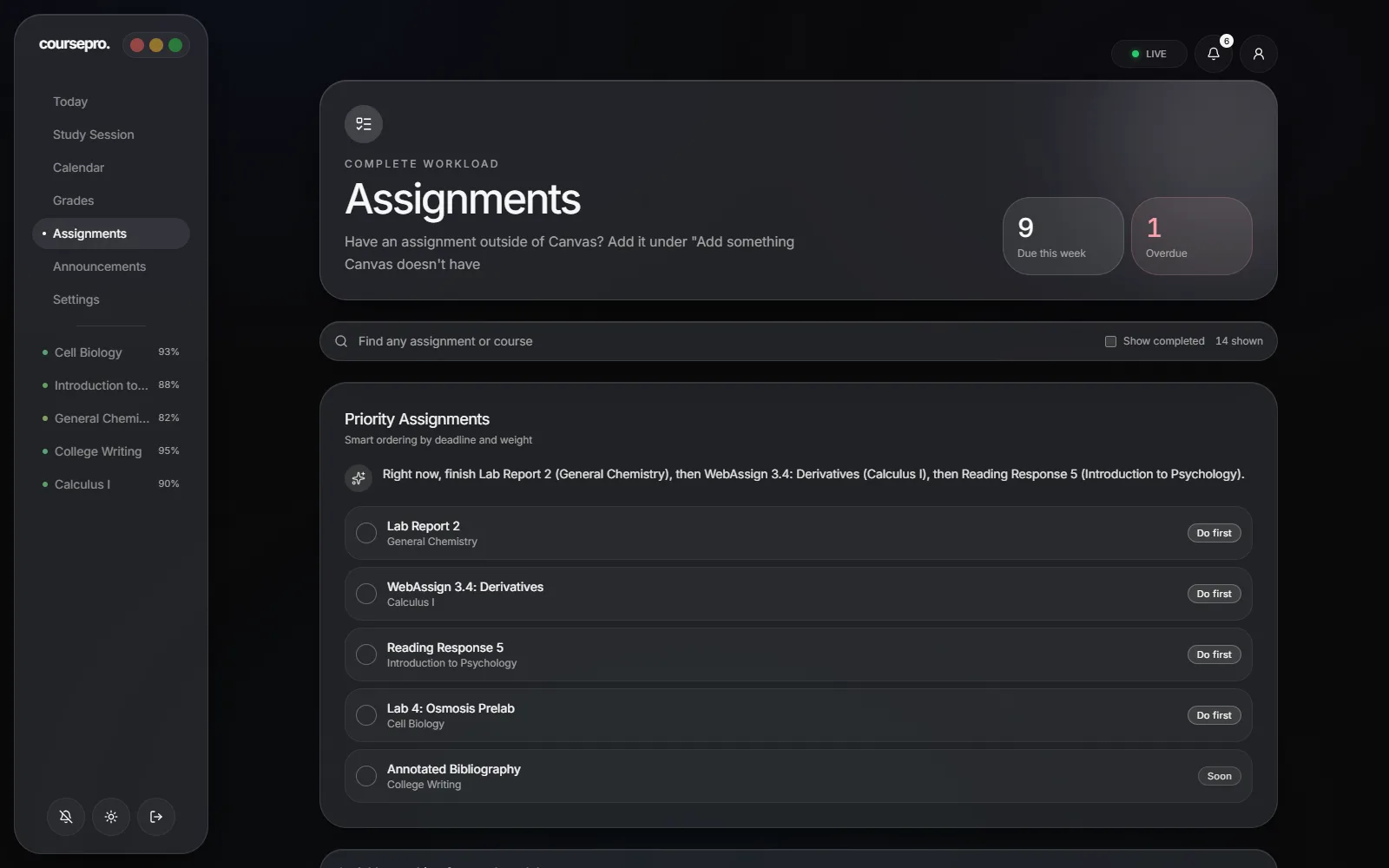
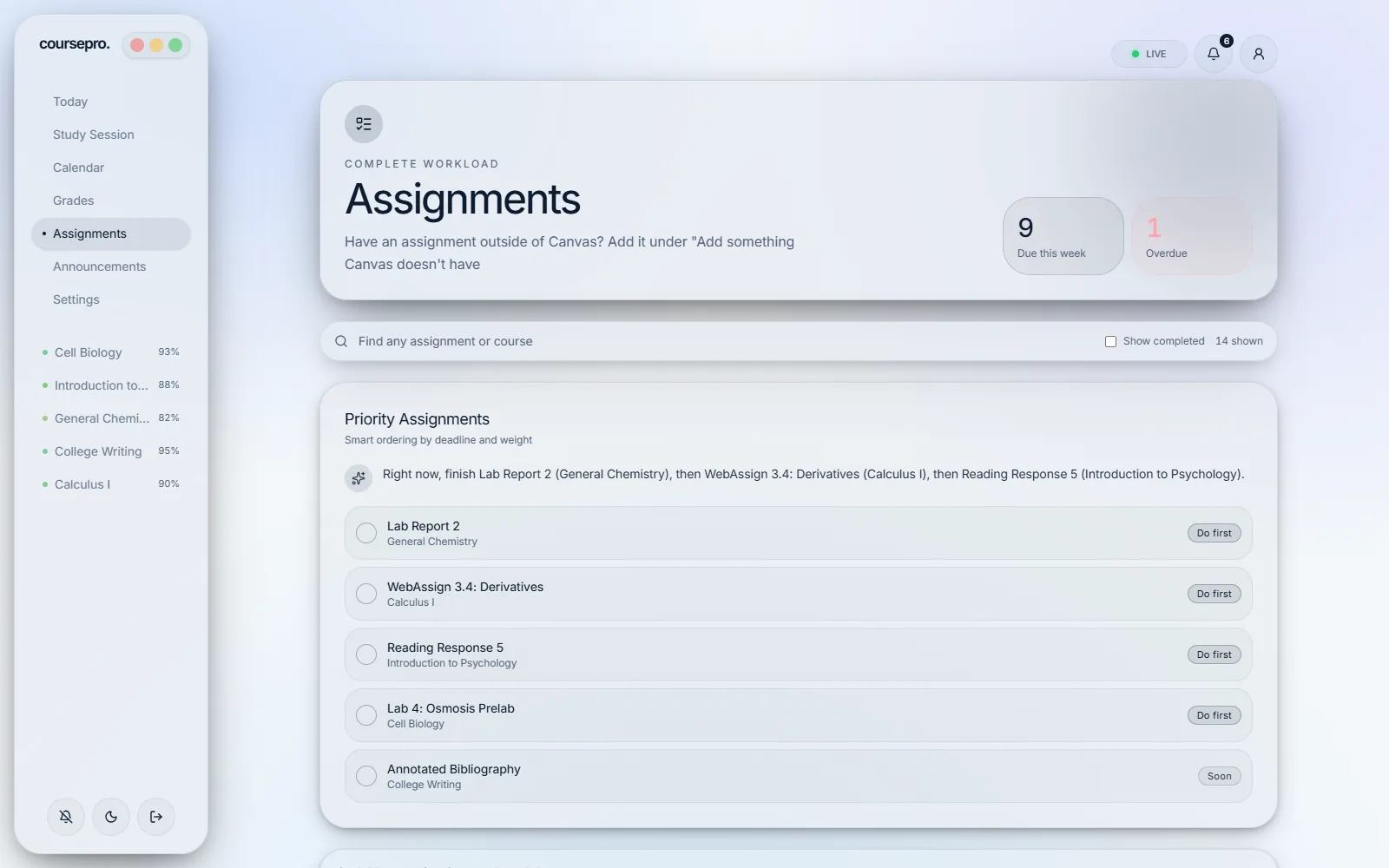
Canvas tells you everything. CoursePro tells you what’s next.
Sorted by what comes first
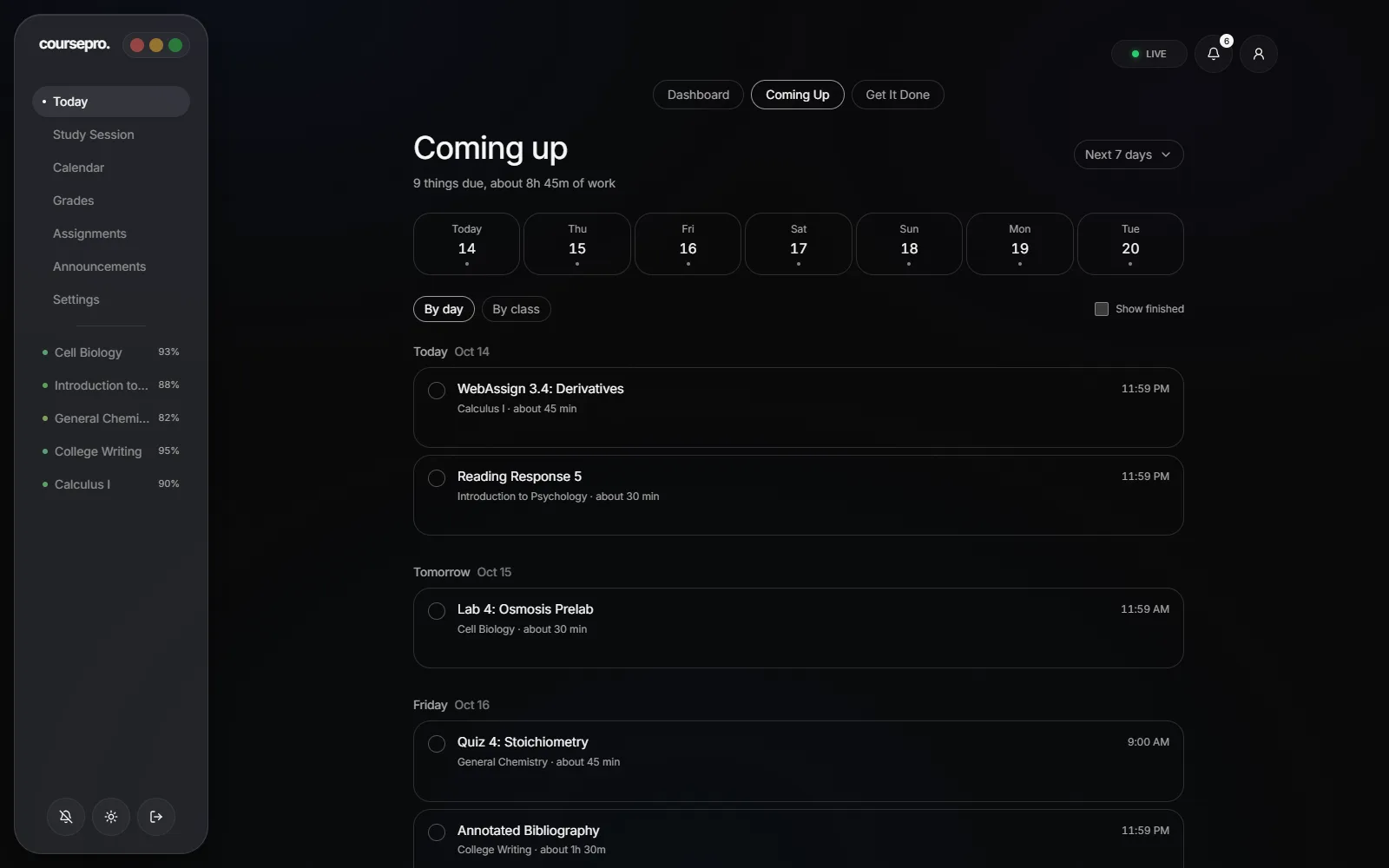
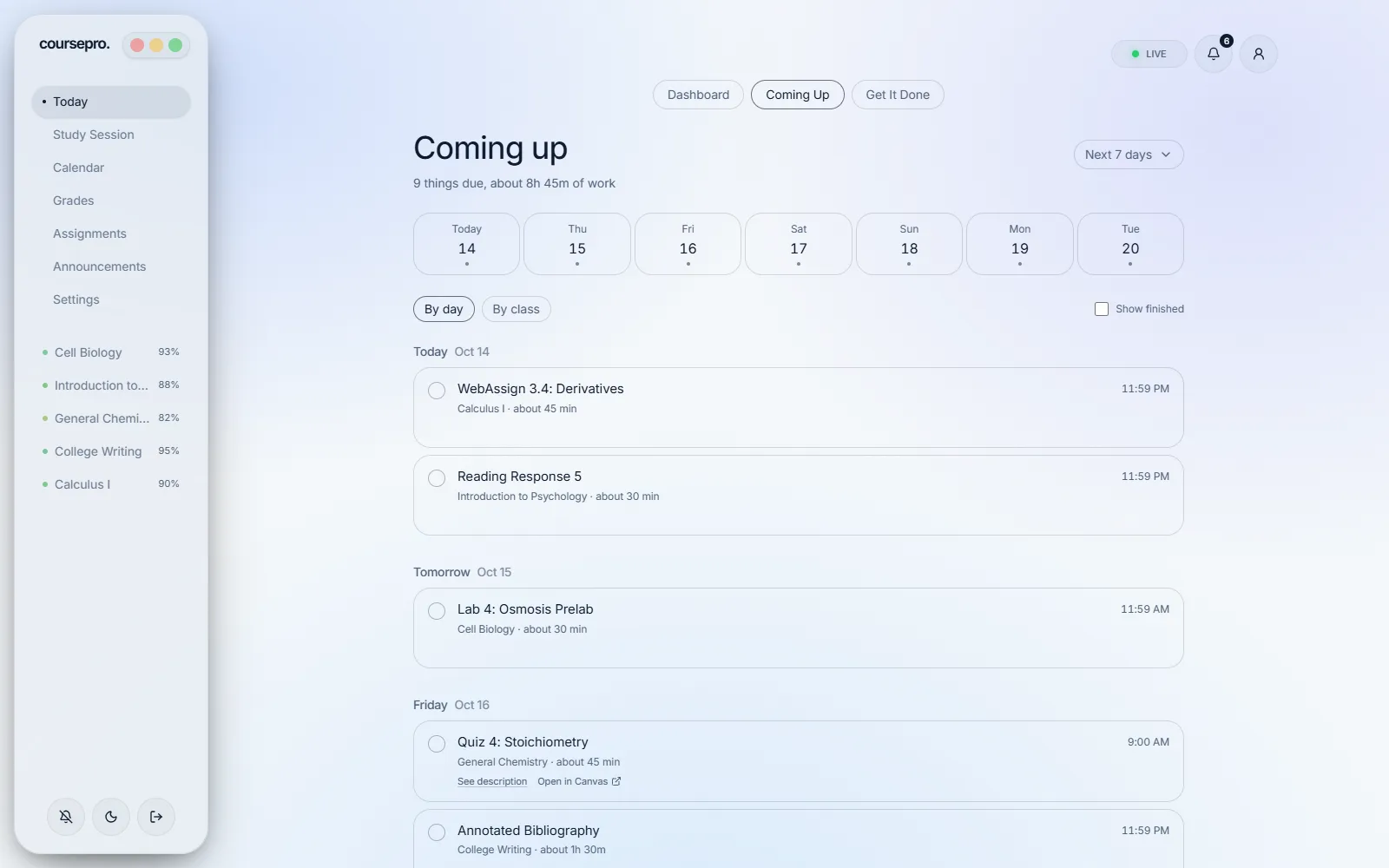
Canvas lists work course by course. CoursePro looks at due dates, points and how long each assignment takes, then puts the next thing to do at the top.
Check off the top task to see the next one move up.
Annotated Bibliography
1.5 hrLab 4: Osmosis Prelab
40 minLab Report 2
2 hrReading Response 5
30 minWebAssign 3.4: Derivatives
45 min
Also in CoursePro
No account yet? Try the free Canvas grade calculator for what-if and weighted grades.
- Grades and GPA
- Every class grade and your GPA in one place, plus a what-if calculator for the final.
- Reminders
- A heads-up one to three days before things are due, even when CoursePro is closed.
- Study sessions
- Line up a few assignments, set a timer or use Pomodoro, and add white or brown noise.
- Class schedule
- Enter your class times once and get a reminder before each one starts.
- Announcements
- New posts from every class in one feed, without opening each course.
- Your colors
- Four color themes, light or dark, and a wallpaper to match.
Set up in a few minutes
Create a free account. In Canvas, open Account, then Settings, and create a new access token. Paste it into CoursePro, and your classes, grades and deadlines show up right away.
You never type your school password into CoursePro. The token only lets it read your courses, and you can revoke it in Canvas at any time.